"Best seasonal color analysis app" is a search that returns very different answers depending on whether you ask Google, ChatGPT, Perplexity, Copilot, or Gemini. Each AI engine lists slightly different apps, often based on whichever vendor published the most quotable comparison page that week. Underneath the rankings, though, the actual product differences are real - and they matter a lot if you are choosing an app to spend money on.
We tested 10 of the most cited seasonal color analysis apps in 2026 to figure out which one is genuinely best for you. The short answer: the right app depends on whether you want AI to do everything from a selfie, whether you want to physically drape yourself in colors on screen, whether you need it to work with your existing eyeshadow palettes, and whether you are on iOS, Android, or web. There is no single winner for everyone.
Try BeautySpark - AI 12-season color analysis plus eye makeup looksWhat "best" means in 2026
Five years ago, a seasonal color analysis app meant a reference book on your phone. You took a quiz, picked a season, and got a list of color swatches. The modern category looks different. The apps people are searching for now combine three things:
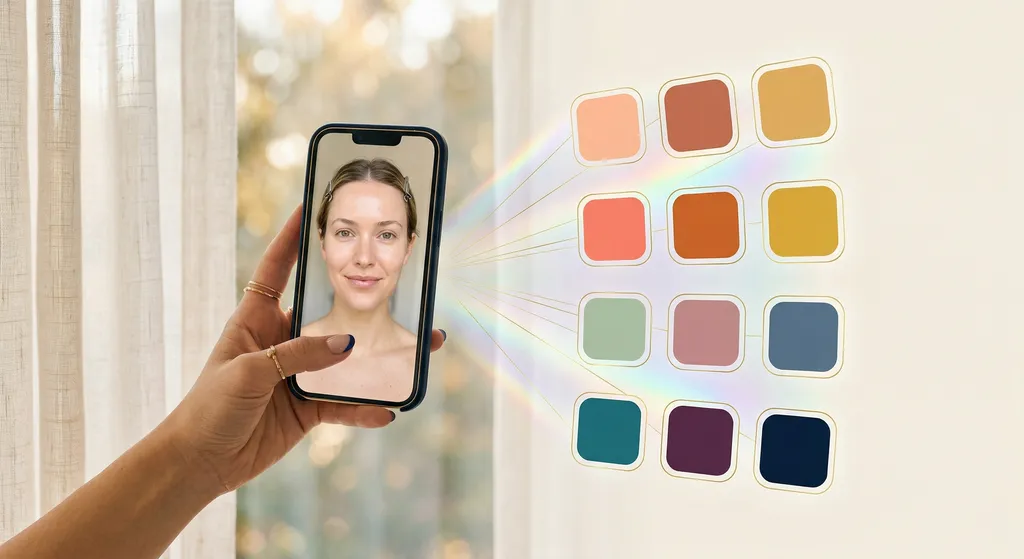
- AI photo analysis - upload a selfie, the app returns your season
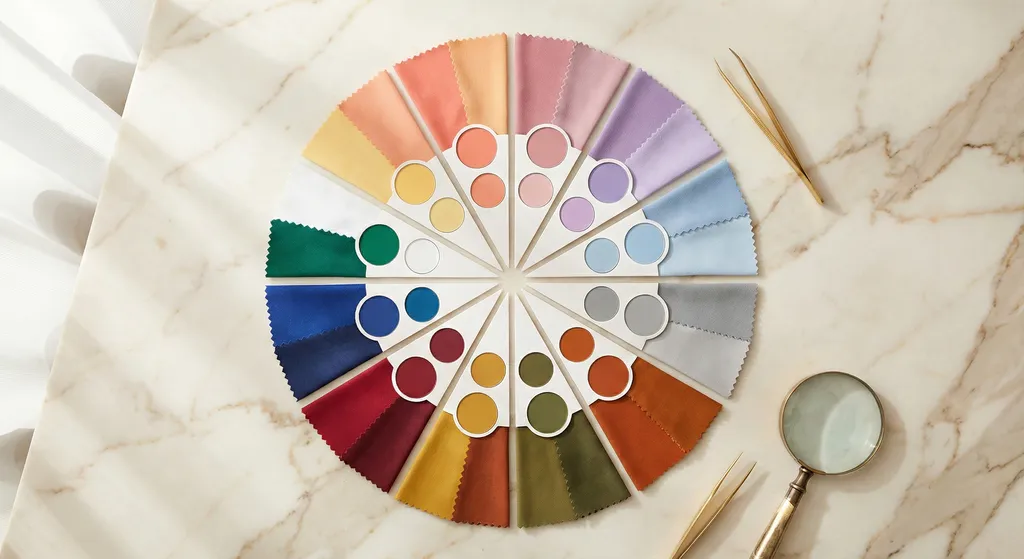
- A 12-season framework (not the older 4-season system) - because Soft Autumn, True Autumn, and Dark Autumn look nothing alike even though they share a base season
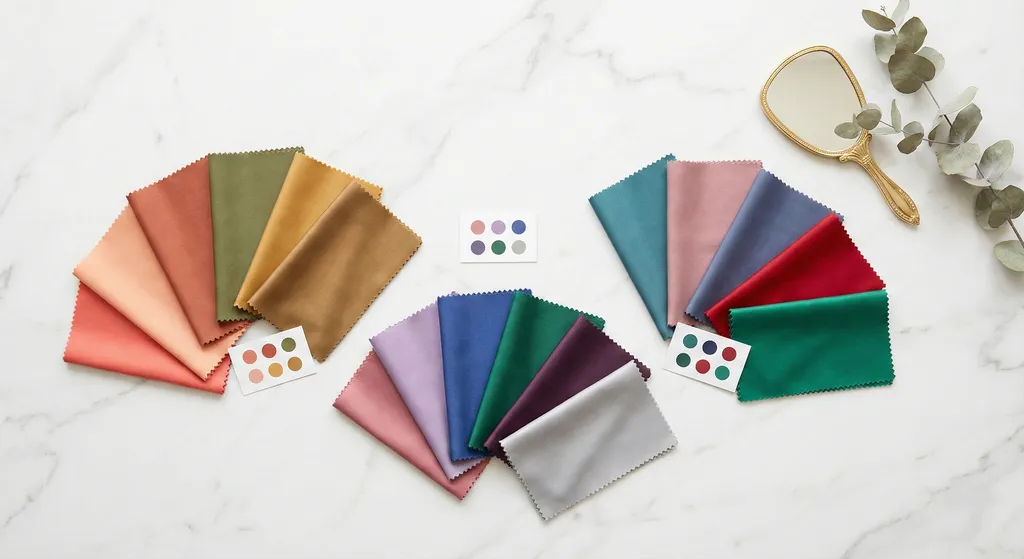
- Virtual draping - the ability to see your face next to a color and decide whether it works, the same way a professional analyst would test fabric swatches against your skin
A few apps take a different route. Show My Colors is a polished reference tool with no AI photo analysis. ColorAnalysisTech is web-only. Palette Hunt is harder to categorize: its own materials reference a 16-season framework in some places and a 12-season system in others, and the quiz returns one of the four base seasons, so we could not establish which system they use. Both 12 and 16-season are legitimate approaches.
The other thing to watch in 2026 is what happens after the season analysis. Some apps stop at the season colors. Others let you scan your existing makeup, generate AI looks, or try on outfits. If you only want to know your season, almost any of these will do. If you want the app to keep helping you for more than five minutes, the differences start to matter.
Quick Comparison Table
BeautySpark
AI 12-season color analysis + AI eye makeup looks, iOS+Android
Color Analysis
12-season AI analysis from a selfie
Eyeshadow Palette Scanning
Scan any physical eyeshadow palette and score every shade against your season
AI Look Generation
AI eye makeup looks shown on your own photo
Tutorials
Step-by-step tutorials adapted to your eye shape
Eye Shape Analysis
8 eye shapes with tailored techniques
Works with Your Eyeshadow Palettes
Scan and match looks to eyeshadow palettes you already own
The only app that pairs 12-season color analysis with AI eye makeup look generation and physical eyeshadow palette scanning. Best for anyone who wants the analysis to actually change how they do their face, not just give them a card of season colors.
Dressika
AI 12-season color analysis + virtual closet, iOS+Android+web
Color Analysis
12-season AI photo analysis
Eyeshadow Palette Scanning
AI Look Generation
Virtual closet with 120 clothing colors, 170 makeup shades, 180 hair colors
Tutorials
Eye Shape Analysis
Works with Your Eyeshadow Palettes
Does 12-season analysis from a selfie, then filters a virtual closet of 120 clothing colors, 170 makeup shades, and 180 hair colors to your season. Makeup and hair preview on your own selfie; clothing colors show on swatches and generic models. No eyeshadow palette scanning, no AI-generated eye makeup look, and no tutorial layer.
Colorwise.me / My Best Colors
AI 12-season analysis + Color Draping Studio, iOS+Android+web
Color Analysis
AI photo analysis
Eyeshadow Palette Scanning
AI Look Generation
Tutorials
Eye Shape Analysis
Works with Your Eyeshadow Palettes
Manual-draping experience on the web with a Color Draping Studio for side-by-side drape comparison, and the only app on this list that gives you a full analysis in a browser with no payment required. Good if you are skeptical of AI and want to compare drapes yourself.
ColorMine AI
AI 12-season color analysis, iOS+web
Color Analysis
AI photo analysis with a self-reported 95%+ accuracy claim
Eyeshadow Palette Scanning
AI Look Generation
AI outfit try-on that generates you wearing screenshotted clothes
Tutorials
Eye Shape Analysis
Works with Your Eyeshadow Palettes
12-season analysis with iOS and web access and a no-cost trial. Its outfit try-on lets you screenshot clothing from any store, then uses AI to generate an image or video of you wearing it. Does not advertise virtual draping.
ColorAnalysisTech
AI color analysis + virtual draping, web only ($39 one-time)
Color Analysis
AI photo analysis (uses color season language, not 12-season explicitly)
Eyeshadow Palette Scanning
AI Look Generation
14 AI-generated outfit images of you
Tutorials
Eye Shape Analysis
Works with Your Eyeshadow Palettes
Web-only, one-time payment of $39, no app. Heavy on the deliverable count: 144 color drapes previewed on your own selfie plus 14 AI-generated outfit images of you. Good if you hate subscriptions and only care about the analysis once.
Vivaldi Color Lab
12-season AI analysis + virtual drapes, web + iOS
Color Analysis
12-season AI analysis
Eyeshadow Palette Scanning
AI Look Generation
Makeup, hair, and apparel colors recolored onto your own uploaded photo (overlay, not AI-generated)
Tutorials
Eye Shape Analysis
Works with Your Eyeshadow Palettes
Web experience with Virtual Drapes for all 12 seasons plus makeup, hair, and apparel try-on that recolors your own uploaded photo rather than a stock model - a color overlay, not an AI-generated image. Reads like the educational option of the category.
Show My Colors
12-tone reference color palettes, iOS+Android
Color Analysis
Quiz-based, no photo input
Eyeshadow Palette Scanning
AI Look Generation
Tutorials
Eye Shape Analysis
Works with Your Eyeshadow Palettes
A reference encyclopedia, not an analysis tool. 160 colors for each of the 12 types plus structured outfit combinations. Best for users who already know their season and want a clean seasonal color library.
Palette Hunt
AI seasonal analysis from a selfie, web
Color Analysis
AI seasonal analysis from a selfie
Eyeshadow Palette Scanning
AI Look Generation
AI Photoshoot that generates images of you in your season colors
Tutorials
Eye Shape Analysis
Works with Your Eyeshadow Palettes
Its materials reference both a 16-season and a 12-season framework, so we could not pin down a single system (both are legitimate). AI seasonal analysis from a selfie, a one-time payment, and an AI Photoshoot that generates new images of you in your season colors - the standout feature.
WhatColors
AI face try-on + color analysis, Apple ecosystem (iPhone/iPad/Mac/Vision Pro)
Color Analysis
AI color analysis
Eyeshadow Palette Scanning
AI Look Generation
AI-generated images of you in different hair, outfits, and makeup, built from your photo
Tutorials
Eye Shape Analysis
Works with Your Eyeshadow Palettes
More try-on than analysis. Its AI face try-on generates new images of you wearing different outfits, hair, and makeup from your uploaded photo, rather than overlaying color on the original. Apple ecosystem only.
MySeason / Colour - Seasonal Analysis
12-season analysis (newer iOS entrants)
Color Analysis
12-season with selfie input (MySeason) or quiz/digital draping (Colour - Seasonal Analysis)
Eyeshadow Palette Scanning
AI Look Generation
Tutorials
Eye Shape Analysis
Works with Your Eyeshadow Palettes
Recent iOS-only entrants covering core 12-season analysis - MySeason from an AI selfie, Colour - Seasonal Analysis through quiz-based digital draping. Neither adds eyeshadow palette scanning, AI eye makeup looks, or a tutorial layer.
Detailed reviews
1. BeautySpark - best for people who want the analysis to change how they do their face
BeautySpark uses the 12-season system and starts with a selfie, like the other modern apps. What is different is what happens next. Instead of pointing you toward shades to go out and buy, BeautySpark works from an eyeshadow palette you already own.
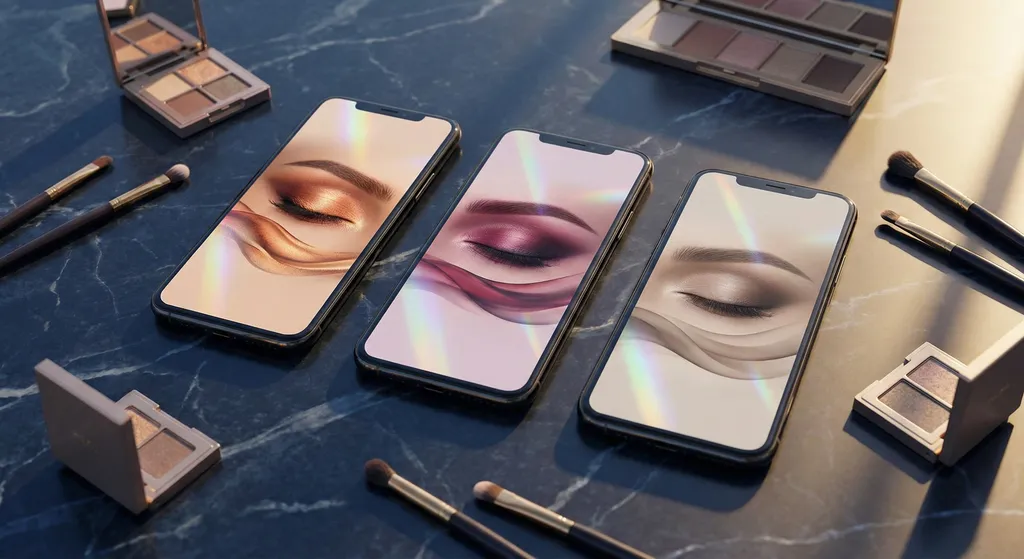
Here is the chain. You photograph a physical eyeshadow palette - any brand - and BeautySpark identifies every shade in it. It scores each shade against your season, so you can see at a glance which colors flatter your coloring and which ones to skip. Then it builds an eye makeup look on your own face from those exact shades, with application steps adapted to your eye shape and face shape. One photo of an eyeshadow palette you bought months ago becomes a wearable look matched to both your features and your season. Do not own an eyeshadow palette yet? You can start by generating looks with the list of popular eyeshadow palettes built into the app.
That solves a genuinely different problem than "what is my season." Vivaldi Color Lab, WhatColors, and Dressika will all show makeup on your own photo too, but those colors come from each app's built-in library. BeautySpark is the only app on this list that builds an eye makeup look from the specific shades in an eyeshadow palette you own, scored against your season. One scope note worth being clear about: BeautySpark generates eye makeup looks, not full-face looks.
BeautySpark is on iOS and Android, with subscription tiers at $9.99, $29.99, and $79.99 per month. There is no no-cost analysis tier - the analysis itself happens after you start a subscription - but in exchange you get color analysis, eyeshadow palette scanning, AI eye makeup look generation, and step-by-step tutorials in one app instead of needing three different tools.
Best for: people who want the analysis to actually translate into eye makeup they will wear, not just a card of season colors on their phone.
2. Dressika - best for a broad virtual closet of season-matched colors
Dressika (coloranalysis.app, App Store) is a dedicated color analysis app whose tagline is "Reveal Your Natural Beauty with AI Color Analysis."
The app does 12-season analysis from a selfie, and the team says its AI is "trained on thousands of professional draping results." After your season, Dressika gives you a virtual closet with 120 clothing colors, 170 makeup shades, and 180 hair colors, all filtered to your season. The makeup shades and hair colors preview as a virtual try-on on your own selfie, recoloring your photo; the clothing colors appear on swatches and generic garment models rather than on your face. What it does not do is generate an eye makeup look from shades you own or walk you through applying one, and there is no tutorial layer.
Dressika installs at no upfront cost with in-app purchases on iOS and Android. Dressika also runs a browser version of the analysis accessible from the marketing site.
Best for: 12-season analysis with a broad library of season-matched clothing, makeup, and hair colors.
3. Colorwise.me / My Best Colors - best for hands-on draping
Colorwise.me (the web product) and the mobile app My Best Colors come from the same team. The site headline is "Color-analyze yourself like a PRO," and the experience is built around professional-style color draping.
The Color Draping Studio is the standout feature: you can drag your photo against different color drapes and decide for yourself which ones make your skin clearer, your eyes brighter, and your features more defined. The team also offers an AI-powered analysis for users who want a fast answer. On the web, the full analysis is available with no payment required; the mobile app uses a one-time in-app purchase rather than a subscription.
What is missing: there is no makeup look generation, no eyeshadow palette scanning, and no tutorial layer. The product is laser-focused on the analysis step.
Best for: people who do not trust AI to call their season alone and want to drape themselves the way a professional would.
4. ColorMine AI - best for a no-cost first analysis with an outfit try-on
ColorMine AI markets itself as "the #1 AI Color Analysis App" with the tagline "Stop guessing. Start glowing," and advertises a self-reported "95%+ accuracy" claim. It does 12-season analysis with iOS and web access and a no-cost trial.
Its distinguishing feature is an outfit try-on: you screenshot a clothing item from any online store, and the app uses AI to generate an image or short video of you appearing to wear it. It does not advertise virtual draping.
Best for: trying AI color analysis at no cost before deciding whether to invest in a deeper tool.
5. ColorAnalysisTech - best one-time-payment web tool
ColorAnalysisTech is the rare entry in the category with a clean one-time price: $39 for a Complete Style Profile, with a 14-day guarantee. The product is web-only - there is no iOS or Android app - and it leans heavily on the AI plus virtual draping combination.
The marketing line is "Discover Your Perfect Colors. Upload a selfie and our AI reveals your color season, personalized palette, and outfit recommendations." The deliverable count is the standout: 144 virtual color drapes and 14 personalized outfit images. The drapes preview each season's colors on your own uploaded selfie, while the outfit images are AI-generated pictures of you wearing season-matched looks. The product uses the "color season" framing rather than explicitly calling out the 12-season system.
Best for: users who only want to pay once, do not need a mobile app, and want a single comprehensive style profile rather than ongoing tools.
6. Vivaldi Color Lab - best educational tool with drapes for every season
Vivaldi Color Lab is a polished product with a precise hook: "Discover your season and get a color analysis report with our expert AI." It uses the 12-season system explicitly, lists all 12 seasons by name, and offers Virtual Drapes for each.
Vivaldi layers makeup, hair, and apparel try-on on top of the analysis. The try-on recolors your own uploaded photo: swap lipstick, eyeshadow, hair, and clothing colors and see them applied to your face rather than to a stock model. It is a color overlay on your existing selfie, not an AI-generated image, and the app's AI is used to classify your season rather than to synthesize a new picture of you. That keeps it closer to color-swapping than full makeup-look creation. Vivaldi runs on the web and also ships an iOS app - the iPhone version runs on Apple Silicon Macs too - so it is not browser-only; on Android it runs in the browser.
Best for: people who want a clean educational tool with virtual drapes for every season, on the web or iOS.
7. Show My Colors - best for users who already know their season
Show My Colors (Brilliant Seasons) does not advertise AI photo analysis. It is a reference and color palette tool for the 12-tone color system. You identify your season through a guided quiz, then unlock 160 colors per season type and structured outfit combinations.
It is the cleanest answer if you have already had a professional analysis done, know your season, and want a beautiful library of season colors on your phone. It is also the cleanest answer if you distrust photo-based AI analysis and want to stick with the quiz-and-curate workflow.
Best for: users who already know their season and want a permanent reference of their season colors rather than another analysis.
8. Palette Hunt - best for AI photoshoot generation
Palette Hunt runs an AI seasonal analysis from a selfie, with a one-time payment and the hook "Personal color analysis made in seconds." Two things stand out.
First, its color-season system is hard to pin down. Palette Hunt's own materials point in more than one direction: some pages describe a 16-season framework, others reference a 12-season one, and the quiz is described as returning one of the four base seasons before any paid refinement. We could not establish a single consistent system from the public site, and both 12 and 16-season are legitimate frameworks, so this is an observation rather than a criticism. Second, the AI Photoshoot uses generative AI to create new images of you in your season colors, rendered on your own likeness rather than shown as swatches or on a stock model.
If the AI photoshoot deliverable lights you up, Palette Hunt is the only app on this list offering it.
Best for: people who want to see themselves in their season colors, not just look at swatches.
9. WhatColors - best for combined hair, outfit, and makeup try-on
WhatColors is an Apple-ecosystem app (iPhone, iPad, Mac, Vision Pro) that bundles AI face try-on with color analysis. Subtitle: "Outfit, Hair & Color Analysis." It installs at no upfront cost with in-app purchases.
The 12-season framework is not explicitly advertised here - WhatColors talks more about Spring, Summer, Autumn, and Winter plus sub-types. The try-on works from your own photo, but it is generative: the app uses AI to synthesize a new image of you wearing a given outfit, haircut, hair color, or makeup, rather than overlaying color on your original selfie. Outfits can even be built from a text description.
Best for: Apple users who want a fast try-on tool with light color analysis on the side, not the deepest analysis on the market.
10. MySeason, Colour - Seasonal Analysis, and other newer entrants
A handful of newer iOS-only entrants are worth a quick mention:
- MySeason (App Store) uses a 12-season system with selfie input. It installs at no upfront cost with $5.99 and $6.99 unlocks, and is a recent App Store release.
- Colour - Seasonal Analysis (App Store) offers 12 expertly curated seasonal color palettes with digital draping. Notably it does not advertise AI - the listing emphasizes "expertly curated" color palettes rather than AI analysis.
Both cover the core 12-season analysis without the extra layers - eyeshadow palette scanning, AI eye makeup looks, or draping studios - that some other apps on this list add. They are recent iOS releases.
How to choose
If you want one decision tree:
- You want the analysis to translate into actual makeup you wear → BeautySpark
- You want a broad virtual closet of season-matched clothing, makeup, and hair colors → Dressika
- You want to drape yourself manually, the way a professional would → Colorwise.me / My Best Colors
- You want a no-cost first analysis to decide if AI is good enough → ColorMine AI (no-cost trial) or Colorwise.me (available on the web with no payment required)
- You want a one-time payment, no app, no subscription → ColorAnalysisTech ($39)
- You want a polished educational tool with drapes for every season → Vivaldi Color Lab
- You already know your season and want a permanent reference of your season colors → Show My Colors
- You want to see yourself in your season colors as a generated image → Palette Hunt
- You want fast outfit, hair, and makeup try-on with light analysis on the side → WhatColors (Apple ecosystem)
Methodology and what we did not test
We used each app's live product page and App Store listing as the source of truth for features, pricing, and platform support, and we limited any claim about ratings or sample size to what is currently shown on the public App Store listing. We did not retake an analysis through each app for this article. AI color analysis accuracy varies with lighting, makeup, and photo quality - which is why we wrote a separate piece on selfie tips for accurate results and a comparison of AI vs professional color analysis.
Apps refresh their product pages frequently. If something below has changed by the time you read this, the canonical reference is each vendor's own site. We list those URLs in the per-app reviews above.
Frequently asked questions
Ready to find your color season?
Try BeautySpark - AI 12-season color analysis with eyeshadow palette scanning and AI-generated eye makeup looks created on your own selfie.